
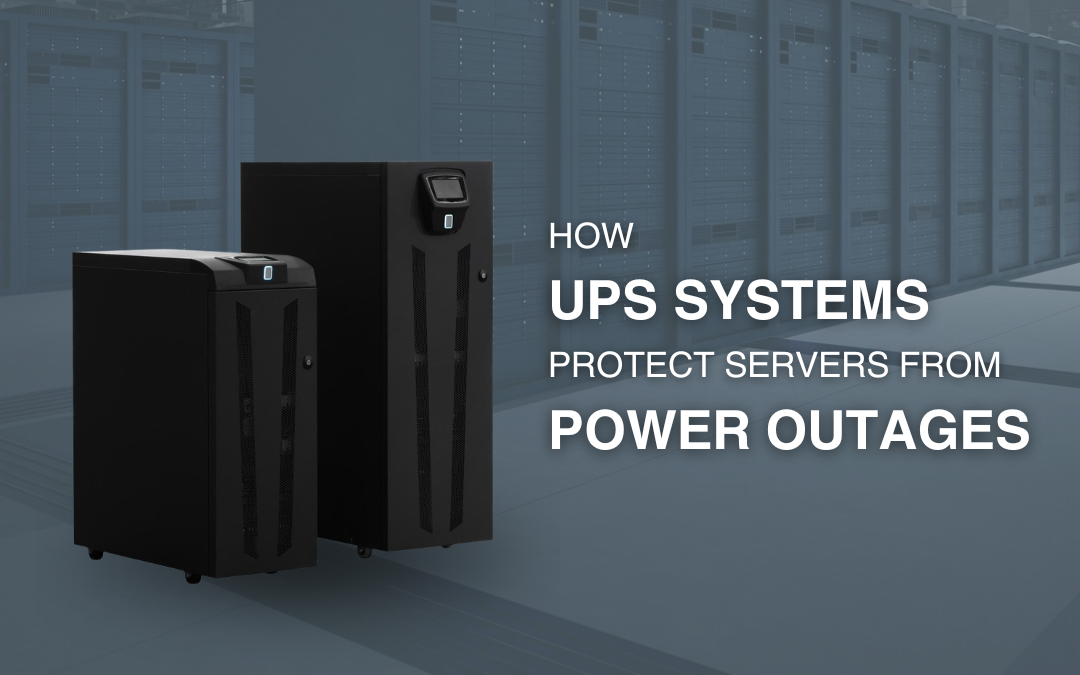
Servers are at the heart of modern businesses. They store critical data, run applications, support cloud-connected services and keep employees connected to essential systems. When an unexpected power outage occurs, even a short interruption can cause downtime, data loss or hardware problems.
This is where a UPS for servers becomes an important part of an organisation’s power protection strategy. A UPS, or Uninterruptible Power Supply, provides temporary battery power when mains electricity is interrupted while also helping protect connected equipment from certain power disturbances.
For Australian businesses, where severe weather events, grid interruptions and local power faults can affect electricity supply, having a reliable power backup solution can help maintain business continuity and protect critical IT infrastructure.
What Is a UPS and Why Do Servers Need One?
A UPS system is a device installed between the mains power supply and connected electrical equipment. Under normal conditions, it supplies power to the equipment and charges its internal batteries. If the incoming power fails or becomes unstable, the UPS switches to battery operation to keep connected devices running.
Unlike a conventional standby generator, a UPS provides immediate backup power, helping prevent servers from suddenly losing power. Depending on the UPS design, capacity and connected load, the available battery runtime may provide enough time for mains power to return or allow IT administrators to perform a controlled shutdown.
For businesses, this means a server UPS system can act as the first line of defence against unexpected power interruptions.
How Does a UPS Protect Servers During a Power Outage?
A UPS protects servers in several important ways.
1. Provides Immediate Battery Backup
The most obvious benefit of UPS systems for servers is battery backup. When mains electricity fails, the UPS automatically supplies power from its batteries.
This helps prevent servers from shutting down abruptly. A sudden loss of power can interrupt active processes and may result in unsaved data, corrupted files or system downtime.
The UPS does not necessarily keep servers running indefinitely. Instead, it provides valuable time to maintain operations for a short period or initiate an orderly shutdown when an outage is expected to last longer than the available runtime.
2. Helps Protect Against Voltage Fluctuations
Power problems are not limited to complete blackouts. Voltage sags, surges and other disturbances can also affect sensitive IT equipment.
Depending on the UPS technology, a UPS can regulate or condition incoming power and provide protection against certain electrical disturbances. This makes UPS power protection for servers valuable even when the mains supply has not completely failed.
For organisations that rely heavily on servers, network equipment and storage systems, consistent and reliable power is an important part of maintaining equipment availability.
3. Reduces the Risk of Sudden Server Shutdowns
A sudden server shutdown can interrupt applications, databases and services. It can also create problems for users who depend on those systems to perform their daily work.
A UPS backup for servers provides a buffer between the power failure and the server shutdown process. With appropriate UPS management software, the system can detect a prolonged outage and initiate a controlled shutdown before the battery is fully depleted.
This approach can reduce the risk of data corruption and help ensure that critical systems are shut down in an orderly manner.
4. Supports Business Continuity
For many Australian businesses, servers support essential operations such as file storage, accounting, customer databases, communications, security systems and business applications.
When these systems go offline, employees may be unable to work and customers may experience service interruptions.
A UPS is therefore more than simply a battery backup device. It can form an important part of a wider business continuity strategy by helping critical IT infrastructure remain available during short power interruptions and providing time for an orderly response to longer outages.
5. Protects Critical IT Infrastructure
Servers rarely operate alone. A typical server room may also contain network switches, routers, storage devices, firewalls and other essential equipment.
If a server remains powered but the network infrastructure shuts down, users may still lose access to critical services.
A properly planned UPS for IT infrastructure can help protect the wider environment by providing backup power to the equipment that is essential for keeping systems connected and operational.
What Type of UPS Is Best for Servers?
The right UPS depends on the size and importance of your IT environment.
Line-Interactive UPS
A line-interactive UPS can be suitable for small businesses, network equipment and less demanding server environments. It can provide battery backup and voltage regulation while offering a practical option for many applications.
Online Double-Conversion UPS
For highly critical IT environments, an online double-conversion UPS may be preferred. This design continuously converts incoming power, helping provide a consistent output to connected equipment and isolating sensitive loads from many common power disturbances.
Online UPS systems are commonly considered for critical applications where power quality and availability are particularly important.
Rackmount or Tower UPS
The physical format also matters. A rackmount UPS can be installed within a server rack, making it suitable for structured IT environments. A tower UPS may be more appropriate where equipment is installed outside a standard rack configuration.
The best UPS for server rooms should be selected based on the equipment load, required runtime, available space, scalability and the criticality of the applications being protected.
How to Choose a UPS for Servers
Selecting the correct UPS involves more than simply choosing the largest battery backup available. Consider these factors:
- Calculate the load: Determine the total power requirements of the servers and other equipment you intend to connect.
- Check VA and watt capacity: The UPS must have sufficient capacity to support the connected load without being overloaded.
- Determine required runtime: Decide how long your equipment needs to operate on battery power. The requirement may be a few minutes for a controlled shutdown or longer where continuity is essential.
- Consider scalability: If your IT environment is expected to grow, choose a UPS solution that can accommodate future requirements.
- Evaluate UPS topology: Consider whether standby, line-interactive or online double-conversion technology is appropriate for your environment.
- Look at monitoring and management: Network management and UPS software can provide alerts, monitoring and automated shutdown capabilities, which are particularly useful for unattended or remote server environments.
It is also important to maintain UPS batteries and regularly review system performance. Battery capacity can decrease over time, so routine testing and timely replacement are essential for reliable server power protection.
Why UPS Protection Matters for Australian Businesses
Power interruptions can happen for many reasons, including storms, infrastructure faults, equipment failures and unexpected grid disruptions. The impact can be particularly significant for businesses that depend on servers and always-on digital systems.
Installing an appropriate uninterruptible power supply for servers can help businesses reduce the effects of unexpected outages, protect sensitive IT equipment and support a more resilient technology environment.
However, a UPS should be viewed as one part of an overall power protection strategy. Correct sizing, installation, battery maintenance, monitoring and regular testing are all important for achieving reliable performance.
Frequently Asked Questions
1. How does a UPS protect servers during a power outage?
A UPS automatically switches to battery power when mains electricity is interrupted. This helps prevent an immediate server shutdown and provides temporary runtime so systems can continue operating or perform a controlled shutdown.
2. How long can a UPS run a server?
Runtime depends on the UPS capacity, battery configuration, connected load and battery condition. A lightly loaded UPS may provide longer runtime than the same UPS operating near its maximum capacity. Always check the manufacturer’s runtime specifications for the expected load.
3. Do servers really need a UPS?
For businesses that rely on servers for critical applications and data, a UPS can provide valuable protection against unexpected power interruptions. It can help reduce sudden shutdowns, support controlled shutdown procedures and improve overall IT resilience.
4. What is the best UPS for a server room?
The best solution depends on your server load, required runtime, power quality, scalability and availability requirements. Line-interactive systems may suit some smaller environments, while online double-conversion UPS systems may be more appropriate for highly critical infrastructure.
Conclusion
A reliable UPS for servers can play a critical role in protecting business data, reducing unexpected downtime and maintaining continuity during power interruptions. From providing immediate battery backup to supporting controlled shutdowns and protecting critical IT equipment from certain power disturbances, a UPS system is an important component of modern server and IT infrastructure.
For Australian businesses, choosing the right capacity, UPS topology, runtime and monitoring capabilities is essential to building an effective power backup solution. Source 22 can help businesses explore suitable UPS systems and power protection solutions for servers, server rooms and broader IT infrastructure, helping organisations build a more resilient approach to power continuity.
