
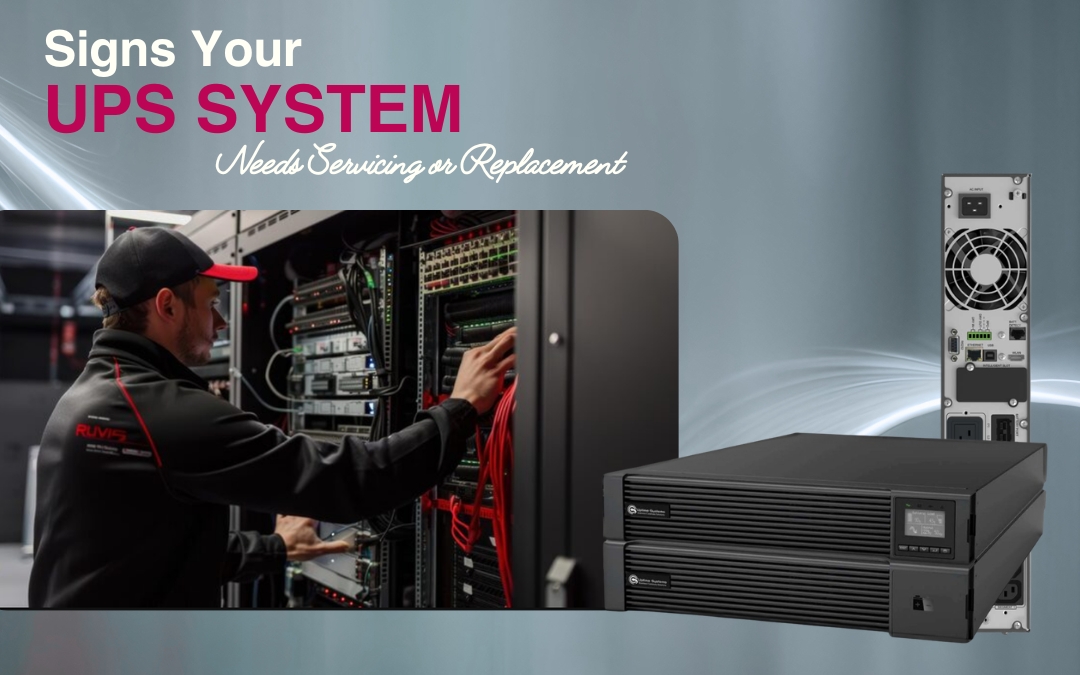
An Uninterruptible Power Supply (UPS) helps protect computers, servers, networking equipment, industrial machinery and other critical systems from power interruptions. A reliable UPS can provide backup power during an outage and help protect connected equipment from certain power disturbances.
However, even well-maintained UPS systems eventually require servicing, battery replacement or complete replacement. Recognising the warning signs early can help businesses reduce unexpected downtime and maintain reliable power protection.
So, how do you know when your UPS needs servicing or replacement? Here are the key signs to watch for.
1. Your UPS Is Frequently Beeping or Showing Alarms
A UPS may beep when it switches to battery power during a power interruption. However, frequent alarms when the mains supply is normal can indicate an underlying problem.
Common causes include:
- Low battery capacity
- Battery faults
- Overload conditions
- High operating temperature
- Input or output problems
- Charging faults
- Internal system errors
If alarms continue after normal power is restored, check the manufacturer’s guidance and arrange a professional inspection.
2. Your UPS Runtime Has Decreased
Reduced backup runtime is one of the clearest signs that your UPS batteries may be deteriorating.
For example, if your UPS previously provided 20 minutes of backup but now provides only five minutes, the batteries may have lost significant capacity.
Battery ageing is normal, but insufficient runtime can become a serious issue during an extended power outage. Professional battery testing can determine whether the batteries still have adequate capacity.
If the UPS itself is in good condition, installing UPS replacement batteries may restore its expected backup performance.
3. Your UPS Batteries Are Getting Old
UPS batteries have a limited service life. Many commonly used VRLA batteries have an expected lifespan of around three to five years, although actual performance depends on temperature, operating conditions, discharge frequency and maintenance.
Businesses should record when batteries were installed and monitor their condition as they age.
Waiting for batteries to fail completely can put critical equipment at risk. Planned battery replacement allows businesses to address ageing batteries before they become an emergency.
4. The UPS Fails a Self-Test
Many modern UPS systems perform automated or manual self-tests to assess battery and system condition.
A failed test may indicate that the batteries can no longer provide the required backup capacity. It can also indicate another fault requiring investigation.
Repeatedly resetting the system without identifying the cause is not a long-term solution. A qualified technician can determine whether the UPS requires new batteries, repairs or a complete replacement.
5. Your UPS Is Overheating
Excessive heat can affect both UPS performance and battery life.
Warning signs may include:
- Unusually high operating temperatures
- Excessive fan noise
- Heat coming from the UPS cabinet
- Thermal alarms
- Unusual odours
- Unexpected shutdowns
Poor ventilation, dust, blocked airflow and high room temperatures can contribute to overheating.
Regular UPS maintenance should include checking the ventilation, cooling fans and general operating environment.
6. Your UPS Is Consistently Overloaded
Your business’s power requirements may increase as you add servers, storage systems, networking equipment or other electrical loads.
If the connected load regularly approaches or exceeds the UPS’s rated capacity, the system may trigger overload alarms or fail to provide adequate protection.
If your power requirements have increased significantly, review your UPS capacity. You may need additional capacity, a larger UPS system, or professional UPS installation to ensure the new system is correctly configured for your equipment.
Proper UPS sizing is essential for reliable backup power and efficient operation.
7. You Notice Battery Swelling or Leakage
Physical battery damage is a serious warning sign.
Swollen batteries, leakage, corrosion or damaged connections can indicate battery deterioration or another electrical problem.
Do not attempt to dismantle or repair damaged batteries yourself. UPS batteries can store significant electrical energy and should be handled by appropriately trained professionals.
If damaged batteries are identified, arrange an inspection to determine whether UPS replacement batteries are required.
8. Your UPS Requires Frequent Repairs
Occasional servicing is normal, but repeated repairs may indicate that an ageing UPS is becoming unreliable.
If you are frequently replacing components or dealing with faults and unexpected shutdowns, consider the total cost of continuing to operate the existing unit.
For an older system, investing in a new UPS may provide better reliability and value than continuing with repeated repairs.
9. Your UPS Is Outdated
Older UPS systems may not provide the efficiency, monitoring and scalability available in newer equipment.
Modern systems can offer features such as:
- Improved energy efficiency
- Remote monitoring
- Better battery diagnostics
- Improved scalability
- Advanced runtime management
- Better integration with modern IT infrastructure
If your existing UPS is approaching the end of its operational life or replacement parts are becoming difficult to source, UPS replacement may be the more practical long-term solution.
Should You Replace the Batteries or the Entire UPS?
This depends on the condition and age of the equipment.
Battery replacement may be suitable when:
- The UPS is otherwise operating correctly
- The system meets your current power requirements
- Battery degradation is the main problem
- The UPS has a reasonable amount of service life remaining
Complete UPS replacement may be better when:
- The UPS is significantly aged
- Major internal components are failing
- Repairs are becoming frequent
- Replacement parts are difficult to obtain
- The system no longer provides sufficient capacity
- Your business’s power requirements have increased
- A newer UPS would provide better efficiency and monitoring
A professional assessment can help determine the most appropriate option for your business.
How Often Should a UPS Be Serviced?
Regular servicing helps identify developing problems before they result in unexpected downtime.
For many commercial applications, an annual professional inspection is a useful starting point. Critical environments may require more frequent servicing depending on the equipment, operating conditions and manufacturer’s recommendations.
A typical UPS maintenance service may include:
- Battery health testing
- Visual inspection
- Battery connection checks
- Load and runtime testing
- Cooling and ventilation checks
- Electrical connection inspection
- Alarm and fault review
- UPS performance assessment
- Maintenance reporting
Businesses should also maintain records of battery installation dates, service history and any faults identified.
How Can You Extend the Life of Your UPS?
Good operating practices can help maximise the useful life of your UPS.
Keep the equipment in a clean, dry and well-ventilated environment. Avoid excessive heat and make sure airflow around the UPS is not restricted.
You should also:
- Avoid continuously overloading the UPS
- Monitor battery health
- Schedule preventative servicing
- Keep maintenance records
- Test backup performance
- Replace ageing batteries proactively
- Investigate alarms promptly
- Follow the manufacturer’s maintenance recommendations
Remember that a UPS can appear to operate normally while connected to mains power even when its batteries have significantly degraded. Regular testing is therefore important.
When Should You Arrange UPS Servicing?
You should arrange professional servicing if you notice repeated alarms, reduced runtime, overheating, failed self-tests, unusual noises or increasing repair requirements.
Similarly, if your batteries are approaching the end of their expected service life, planning UPS replacement batteries in advance can reduce the risk of an unexpected failure.
For older equipment, a professional assessment can help determine whether servicing, battery replacement or complete UPS replacement is the best option.
Frequently Asked Questions
1. How do I know if my UPS needs servicing?
Common signs include frequent alarms, reduced battery runtime, failed self-tests, overheating, unusual noises, battery damage and recurring faults. Regular servicing can identify problems before they affect your business operations.
2. How often should UPS batteries be replaced?
Many VRLA batteries typically have a service life of around three to five years, but actual lifespan varies depending on temperature, load, discharge cycles and maintenance. Battery condition should be tested rather than relying on age alone.
3. Should I replace my UPS or just the batteries?
If the UPS is operating correctly and still meets your power requirements, replacing the batteries may be sufficient. If the UPS is old, unreliable, difficult to repair or no longer suitable for your load, replacing the entire system may be more appropriate.
4. Can UPS batteries fail without warning?
Yes. A UPS may continue operating normally on mains power even when its batteries have lost significant capacity. Regular battery testing and preventative UPS maintenance can help identify this problem early.
5. Is UPS maintenance necessary for businesses?
Yes. Businesses that rely on servers, networking, communications, security systems or other critical equipment can benefit from scheduled UPS maintenance. Regular servicing helps identify battery and equipment problems before they cause unexpected downtime.
Conclusion
A UPS is an important part of a business’s power protection strategy, but reliable performance depends on proper maintenance and timely replacement. Frequent alarms, reduced runtime, failed self-tests, overheating, ageing batteries and repeated faults should not be ignored.
Regular UPS maintenance can identify problems early, while UPS replacement batteries can restore backup performance when the UPS itself remains in good condition. When an older system becomes unreliable, difficult to maintain or unable to meet current power requirements, UPS replacement may be the better long-term option.
For businesses across Australia looking for dependable power protection and UPS systems, Source 22 can help assess your requirements and identify a suitable solution for your equipment, capacity and operational needs.
