
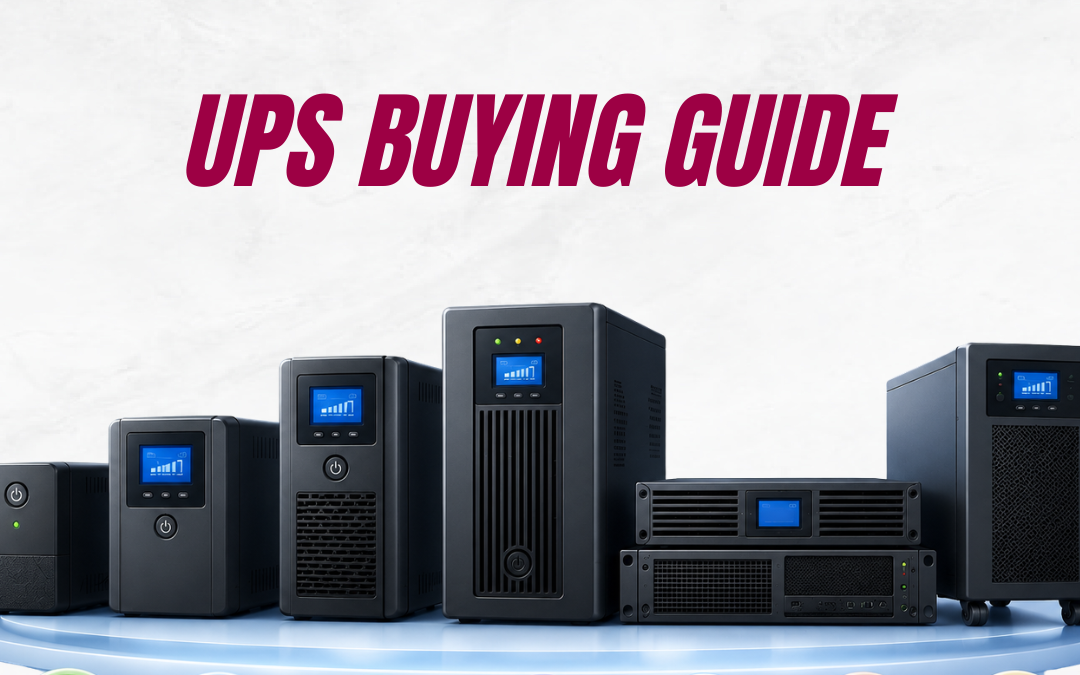
Power outages, voltage fluctuations, and electrical disturbances can disrupt business operations in seconds. Whether you operate a small office, data centre, healthcare facility, or industrial site, investing in the right Uninterruptible Power Supply (UPS) helps protect critical equipment, minimise downtime, and keep your business running smoothly.
This UPS Buying Guide Australia explains everything you need to know before purchasing a UPS, including the different types of UPS systems, how they work, key buying factors, and how to select the best solution for your business.
What Is an Uninterruptible Power Supply (UPS)?
An Uninterruptible Power Supply (UPS) is a battery-backed power protection device that supplies immediate electricity when the main power source fails. Unlike generators, which require time to start, a UPS instantly powers connected equipment, preventing unexpected shutdowns and protecting sensitive electronics.
Modern UPS systems also safeguard equipment from:
- Power outages
- Voltage fluctuations
- Brownouts
- Power surges
- Electrical noise
Businesses commonly install UPS systems to protect servers, networking equipment, security systems, medical devices, telecommunications infrastructure, and industrial automation systems.
Why Backup Power Systems Matter for Australian Businesses
Australia’s power grid isn’t immune to storms, bushfire-related outages, or simple voltage fluctuations, and regional and rural networks are especially exposed. For a business, even a short outage can mean lost sales, corrupted files, damaged hardware, or downtime that’s expensive to recover from. Reliable backup power systems aren’t just an IT nicety anymore — they’re part of basic business continuity planning, particularly for healthcare providers, data centres, retail EFTPOS systems, and any operation that can’t afford unplanned downtime.

Types of UPS Systems
Understanding the different types of UPS systems is the first step in selecting the right solution.
1. Standby UPS
Standby UPS systems provide basic power protection and are suitable for home offices, desktop computers, and small electronic devices.
Best for:
- Home offices
- Personal computers
- Basic office equipment
2. Line Interactive UPS
Line Interactive UPS systems regulate voltage fluctuations while providing battery backup during outages.
Best for:
- Small businesses
- Retail stores
- Network switches
- Small server rooms
Advantages
- Automatic voltage regulation
- Longer battery life
- Cost-effective protection
3. Online Double Conversion UPS
Online UPS systems continuously supply clean power by converting incoming AC power to DC and back to AC. This design eliminates transfer time during power failures and provides maximum protection.
Best for:
- Data centres
- Healthcare facilities
- Financial institutions
- Telecommunications
- Mission-critical IT infrastructure
How to Choose a UPS: 6 Key Factors
1. Calculate your total load
List every device you plan to connect and add up the wattage (usually printed on the device or its power supply). This is your total load. As a rule of thumb, choose a UPS with a watt capacity at least 20–30% higher than this figure, so you have headroom and room to add equipment later without overloading the unit.
2. Decide how much runtime you need
Runtime is how long the UPS can power your equipment on battery. A lightly loaded standard unit might give you 5 to 15 minutes — plenty for a safe shutdown. If you need to keep working through short outages, or bridge the gap until a generator starts, look for a model that supports extended battery packs.
3. Match the topology to the risk
A standby UPS is fine for a home PC. Servers, network racks and medical or point-of-sale equipment deserve a line-interactive or online double-conversion unit, since the cost of downtime far outweighs the price difference.
4. Check for pure sine wave output
Modern computers, servers and Mac hardware typically use Active PFC power supplies that need a clean, pure sine wave when running on battery. A basic simulated-wave UPS can cause these systems to shut down unexpectedly on switchover, which defeats the purpose of having backup power in the first place.
5. Consider form factor
Tower units suit desks and home offices. Rackmount UPS systems are designed to slot into a standard server rack or comms cabinet, which matters if you’re protecting networking or server infrastructure in a dedicated space.
6. Factor in battery type and lifespan
Most UPS batteries are sealed lead-acid, offering a solid balance of cost and performance, though lithium-ion options are becoming more common for longer lifespan and lighter weight. Batteries degrade over a few years regardless of type, so factor in replacement cost and availability when comparing models — and always dispose of old UPS batteries through an accredited recycler rather than a household bin.
Frequently Asked Questions
1. How do I choose the right UPS?
Start by calculating your equipment’s power requirements, determining the required runtime, selecting the appropriate UPS technology, and choosing a system that allows room for future business growth.
2. Which UPS is best for a small business?
For most small businesses, a Line Interactive UPS provides an excellent combination of affordability, voltage regulation, and battery backup. Businesses with mission-critical applications should consider an Online UPS.
3. How long does a UPS battery last?
Most UPS batteries last between three and five years, depending on operating conditions, maintenance practices, and usage.
4. What’s the difference between Line Interactive and Online UPS?
Line Interactive UPS systems regulate voltage and switch to battery power during outages, while Online UPS systems continuously supply clean power with zero transfer time, making them suitable for mission-critical applications.
Final Thoughts
Choosing the right UPS comes down to understanding your load, your runtime needs, and how critical your equipment really is. Get those three things right and a UPS becomes one of the cheapest, most effective insurance policies you can buy for your business.
At Source 22, we help Australian businesses find and size the right UPS systems and backup power solutions for their exact setup — from small office units to rack-mounted systems for data centres. If you’re weighing up your options, get in touch with the Source 22 team for tailored advice on the best UPS for your business.
