
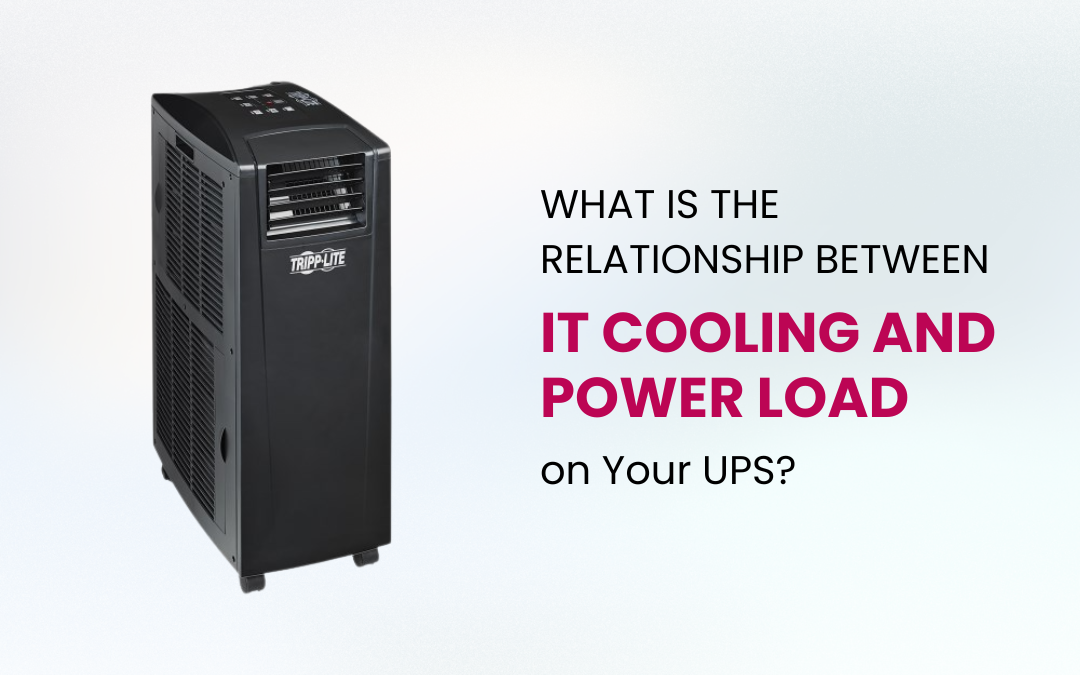
When planning your IT infrastructure, it is easy to focus solely on your Uninterruptible Power Supply (UPS) system and overlook one critical factor: the direct relationship between IT cooling systems and the power load your UPS must carry. At Source 22, Australia’s leading UPS and power protection supplier, we regularly see businesses underestimate this connection with costly consequences.
Why IT Cooling Adds to Your UPS Load
Every server, switch, and storage device in your server room converts electrical power into heat. The more equipment you run, the harder your server room cooling system must work to maintain safe operating temperatures. The key issue is that your IT cooling systems whether a precision air conditioning unit, a dedicated server room cooling system, or a Portable AC IT Cooling Unit draw power just like your IT gear does. In most setups, this cooling equipment is connected through your UPS, which means it adds directly to the total power load your UPS must support.
If your UPS was sized only for your IT equipment without including the cooling load, you may be running it dangerously close to or beyond its rated capacity without realising it.
Your UPS Generates Heat Too
Many Australian businesses do not account for the fact that the UPS itself produces heat. No UPS is 100% efficient a unit running at 95% efficiency still loses energy as heat, adding to the thermal load in your server room. This increases the demand on your IT cooling systems further, creating a compounding cycle. Efficient IT cooling and correct UPS sizing work together to break this cycle and keep your infrastructure running reliably.
Australia’s Climate Makes This Even More Important
Australia’s hot climate particularly in Queensland, Western Australia, and the Northern Territory forces it room cooling solutions to work harder and draw more power to maintain the recommended server room temperature range of 18°C to 24°C. During a power outage, your UPS must sustain both your IT equipment and your cooling simultaneously. If it was not sized for this combined load, your runtime will be far shorter than expected, putting your entire operation at risk.
How to Size Your UPS Correctly
To ensure genuine protection, your UPS must cover the total power load not just your IT hardware. Factor in the wattage of all IT equipment, the power draw of your server room cooling system or Portable AC IT Cooling Unit, UPS efficiency losses, and any ancillary equipment. Always add a 20 to 25 per cent buffer on top of your calculated load to accommodate future growth and demand peaks. This ensures your UPS cooling capability remains dependable as your business scales.
What Happens if Cooling Fails During an Outage?
If your cooling system is not on a UPS-protected circuit, temperatures in your server room can spike to dangerous levels within minutes of a power failure. Even a brief outage without efficient IT cooling can cause thermal throttling, unexpected shutdowns, or permanent hardware damage. This is why integrating your it room cooling solutions into your broader UPS power protection strategy is essential for business continuity across Australia.
Get It Right with Source 22
The relationship between IT cooling and UPS power load is one of the most underestimated aspects of server room planning. By choosing the right server room cooling system, correctly sizing your Uninterruptible Power Supply, and ensuring efficient IT cooling throughout your setup, you protect your equipment, your data, and your business no matter what happens to the power supply.
Source 22 supplies a wide range of UPS systems and IT cooling solutions to businesses across Australia. Whether you are building a new server room or reviewing your current setup, our team can help you get the balance right.
Explore our full range at source22.com.au or call 1300 514 227 to speak with a specialist today.
